Complete leave and absence management
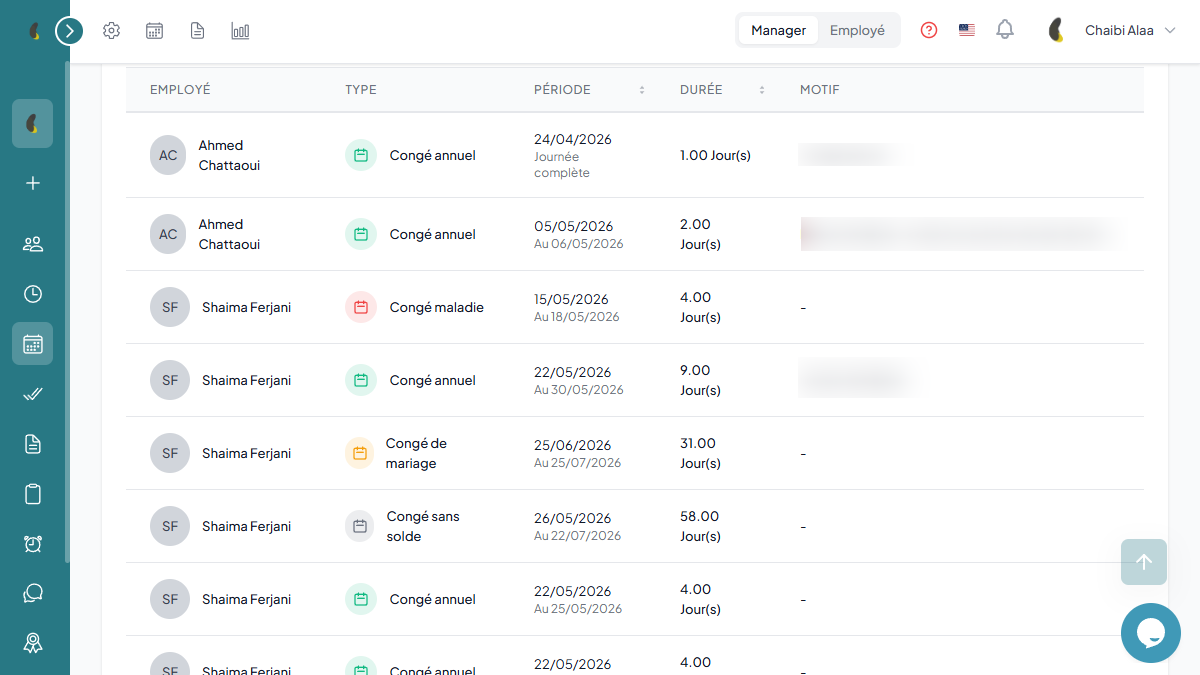
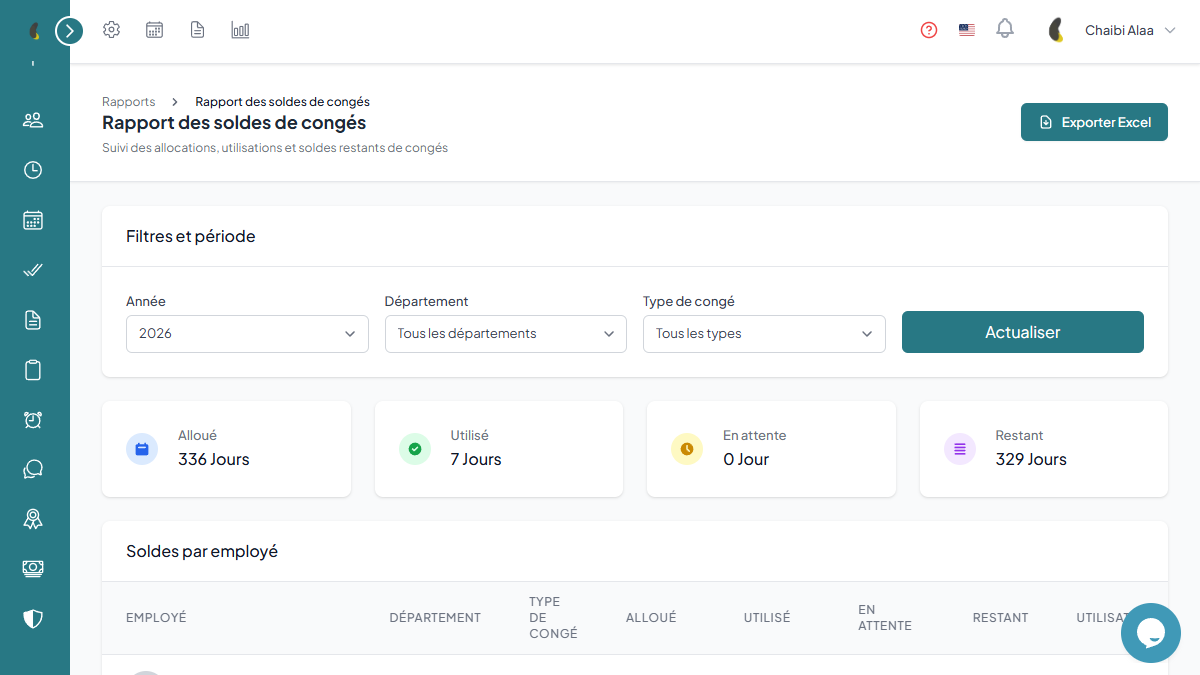
A complete workflow to manage leave requests, balances, hierarchical approvals and company policies. Shared calendar and detailed reports included.


Simplify absence management
How leave management works
From request to approval, a simple and transparent journey for your teams.
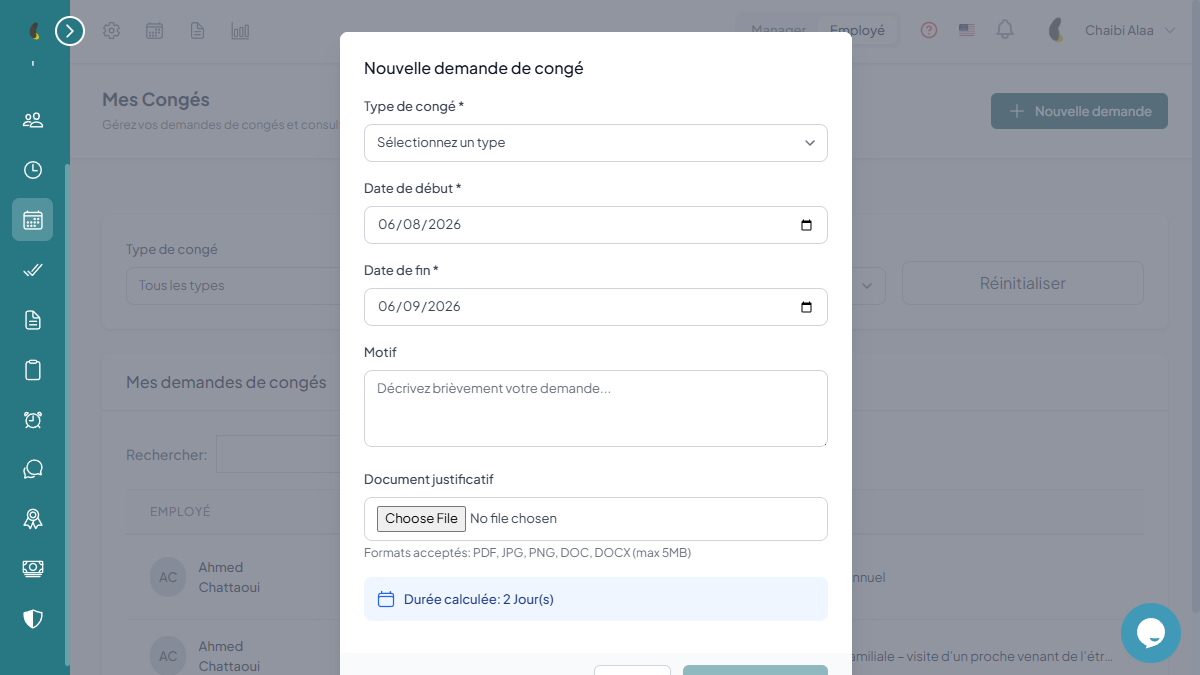
The employee submits a request
The employee picks a leave type, selects their dates, and instantly sees the available balance before submitting.
The manager is notified
The manager receives a notification, checks the team calendar, and approves or declines in one click.
The balance updates
Once the request is approved, the leave counter is recalculated automatically and the absence appears on the calendar.
Everyone stays informed
The team sees upcoming absences, HR exports its reports, and payroll retrieves the data without re-entry.
Always-accurate balances, calculated automatically
Frequently asked questions
Can I define several leave types?
Yes. You can create as many types as you need (paid leave, sick leave, unpaid, time off in lieu, special leave…), each with its own accrual, deduction, and carry-over rules.
How does the approval workflow work?
Are leave balances calculated automatically?
Can the team see planned absences?
Complete leave and absence management
A complete workflow to manage leave requests, balances, hierarchical approvals and company policies. Shared calendar and detailed reports included.
Try for free